Simply Everything
Enter your phone number
We will send you a verification OTP
Please enter a valid phone number

By continuing you agree to our Privacy Policy

Enter OTP
OTP sent to your number
Invalid OTP. Please try again.
Complete your profile
Just your name to get started!
📍 Changanacherry
Food
🍛 Restaurants
Delicious Food,
Delivered Hot!
Fish
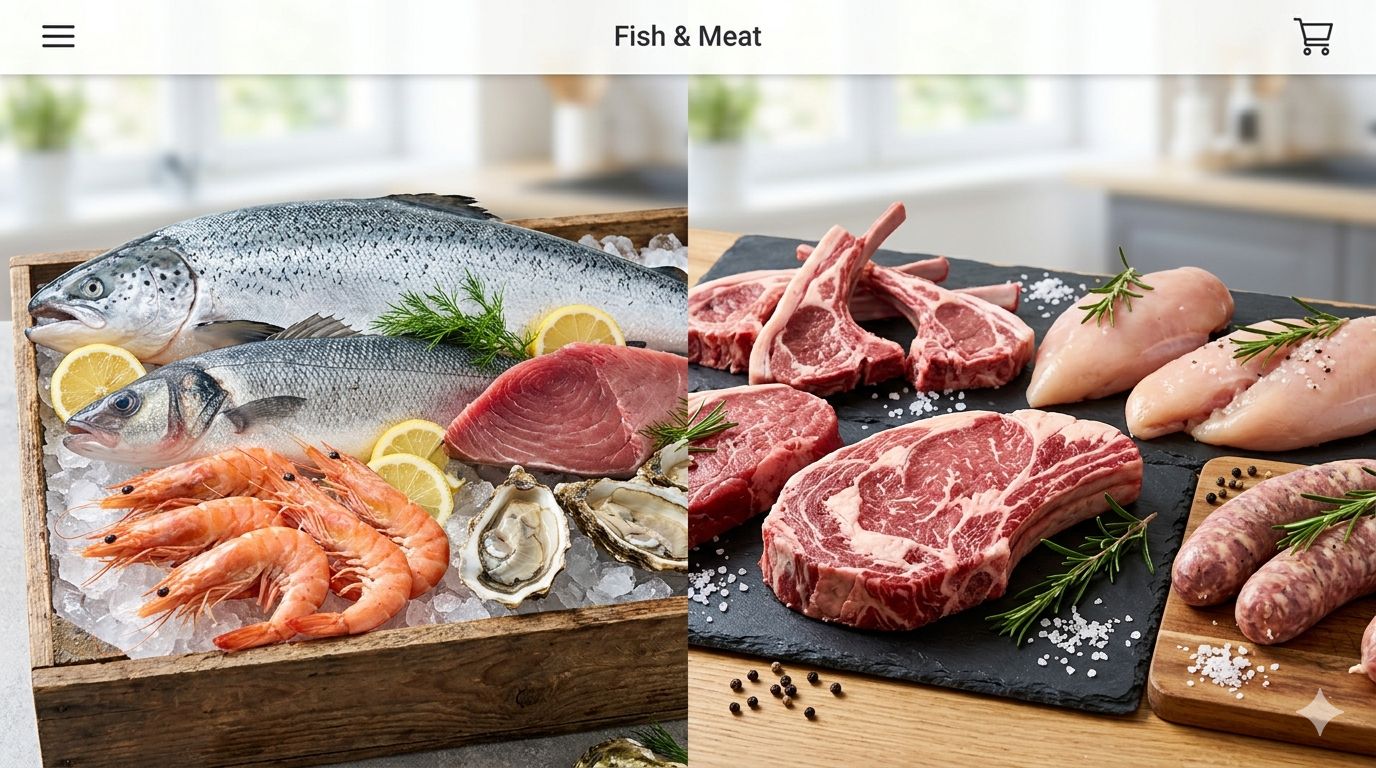
🐟 Fish & Meat
Fresh Fish & Meat,
From Market to Door!
Grocery
🛒 Grocery
Rice, Dal, Spices
& More Delivered!
Pharmacy
💊 Pharmacy
Medicines & Care,
When You Need It!
Dairy
🥛 Dairy
Fresh Milk & Dairy,
Delivered Daily!
🍽️ What are you craving?
🍛
Restaurant
🛒
Grocery
🥛
Dairy
🐟
Fish & Meat
🥦
Vegetables
💊
Pharmacy
🏪 Shops Near You

Loading shops...

Loading...

🍛
🛒 Your Cart
🎁 Have a Coupon?
📍 Order Type
💝 Tip for Delivery Boy
💳 Payment Method
📦 Track Orders
📦

No active orders

🕐 Order History
📦

No orders yet

👤
Loading...
📍Saved Addresses
🌙Change Theme
📲Add to Home Screen
🔒Privacy Policy
🚪Logout
💬
WhatsApp Support
Chat with us instantly
📞
Call Support
+91 96057 09855
🎉
Order Placed!
Your order has been placed successfully!
📲 Add Entefood to Home Screen
Install like a real app — free & instant!
1
Open Chrome Browser
Open entefood.in in Chrome browser on your Android phone
🌐
2
Tap the 3 dots menu ⋮
Tap the three dots at top right corner of Chrome
3
Tap "Add to Home Screen"
Scroll down in the menu and tap "Add to Home screen"
4
Tap "Add" to confirm
Entefood icon appears on your home screen — done! 🎉
1
Open Safari Browser
Open entefood.in in Safari on your iPhone (not Chrome)
🧭
2
Tap the Share button
Tap the share icon (box with arrow) at bottom of Safari
⬆️
3
Tap "Add to Home Screen"
Scroll down in share menu and tap "Add to Home Screen"
4
Tap "Add" to confirm
Entefood icon appears on your home screen — done! 🎉